What is a shortcode?
It’s basically a block-level html code; you can write shortcodes yourself and find ones online that others have written for you. You have two sets of curly braces and a set of angle brackets { { < short code > } }. (For some reason the website won’t compile if I actually type it out correctly, which is without the spaces between each symbols.) Some shortcodes have opening and closing tags like html and some do not.
How can I find “built-in” shortcodes?
Under the themes/layouts/shorcodes folder, you can find the ones that come with your theme. For example, here are some that come with the PaperMod theme:
Blockquote
here’s some text presented in a blockquote shortcode
Collapse
here’s a demonstration for how the collapse shortcodes work
Figure
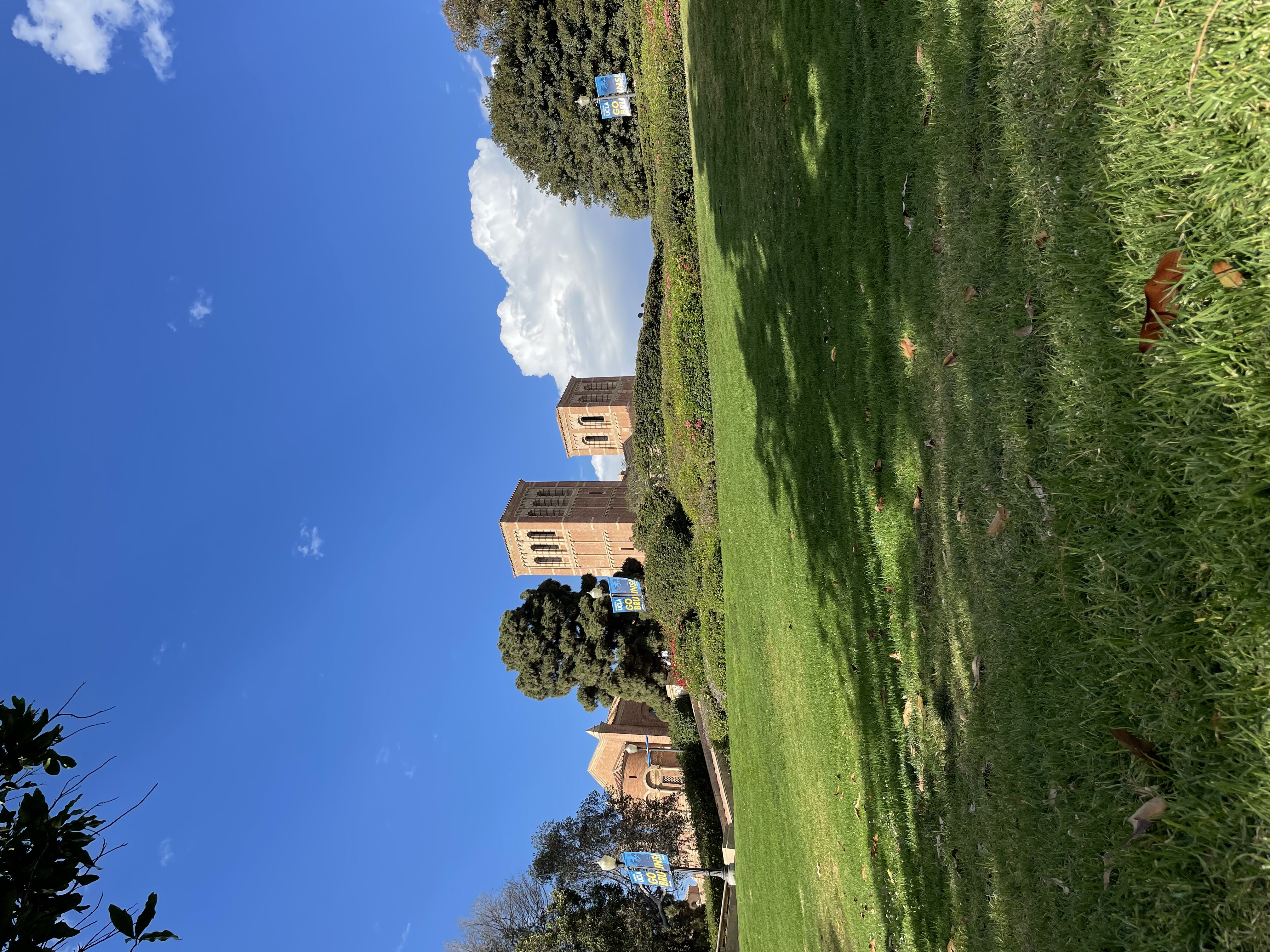
this is a centered caption
What if I want to embed something else that doesn’t come with my theme?
Let’s take YouTube videos as an example. PaperMod doesn’t come with a shortcode for YouTube embedding, but fortunately hugo does! Under layout, you can add a folder named shortcodes and a youtube.html file insdie, mimicking the structure of your theme’s theme/layout/shortcodes. When hugo generates your site, it will prioritize your own html’s rather than the ones that came with the theme. On hugo’s shortcode page, we can find the html file for embedding YouTube videos, which we will copy and paste to the youtube.html file. Then, in the markdown file that you’d like to embed a YouTube video, employ the shortcode like how you would with any other shortcodes. Ta-da!
What about writing my own shortcode?
That’s definitely a great idea! We will have more control over how we can embed the content of our choice. I’ll return the topic later with another tutorial.